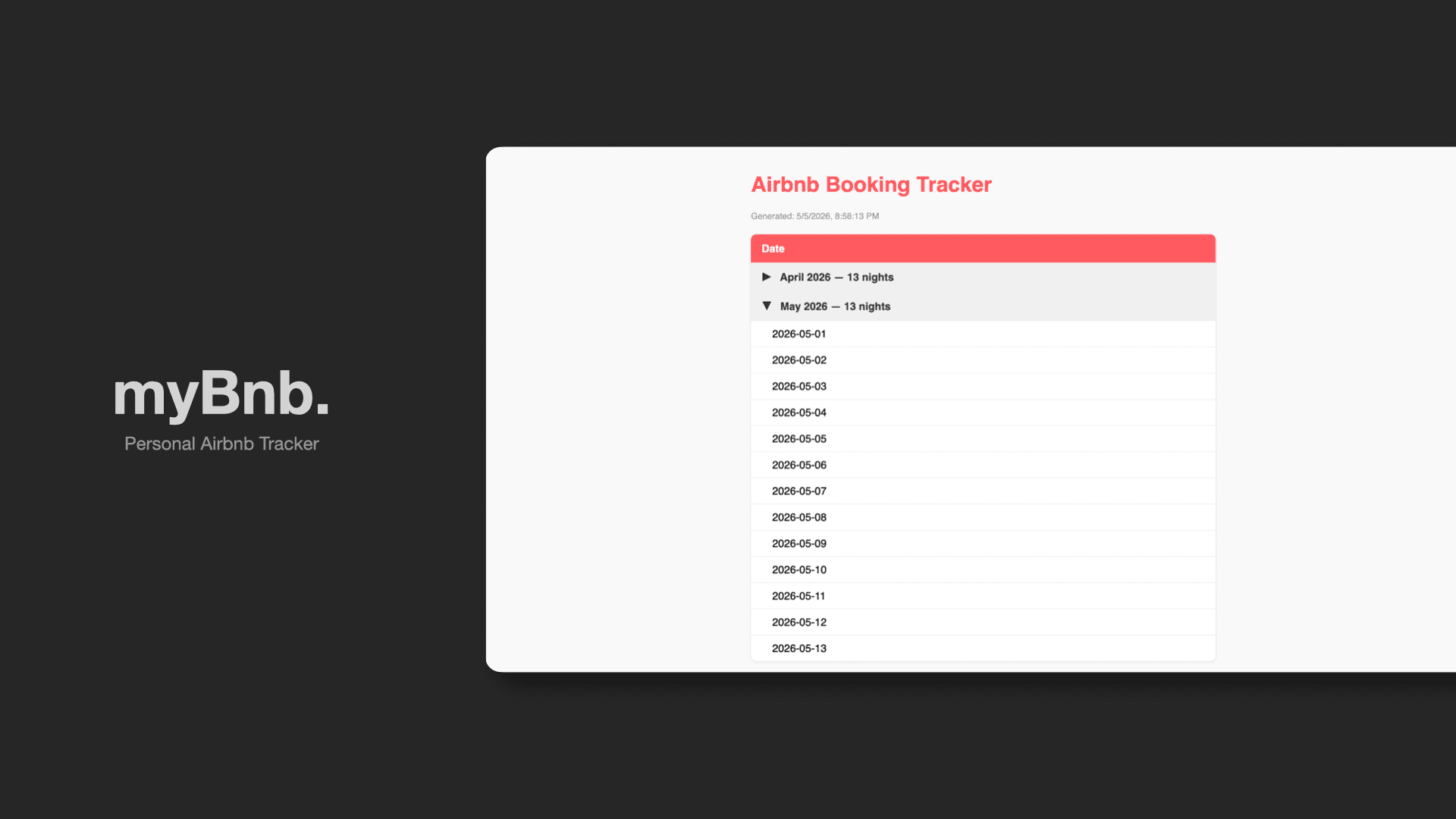
myBnb
Personal Airbnb Tracker
11.03.2026



The Problem
I have an apartment back in Malaysia that I rent out on Airbnb through a property agent. The catch is that she manages everything under her own Airbnb profile, which means I have zero visibility into the bookings. All I ever get is a monthly statement from her, and honestly, even that is not always guaranteed.
The Solution
So I decided to build an app that would quietly do the watching for me. It checks my listing on a schedule, records every booking it finds, and gives me something concrete to cross-reference against whatever statement eventually lands in my inbox.
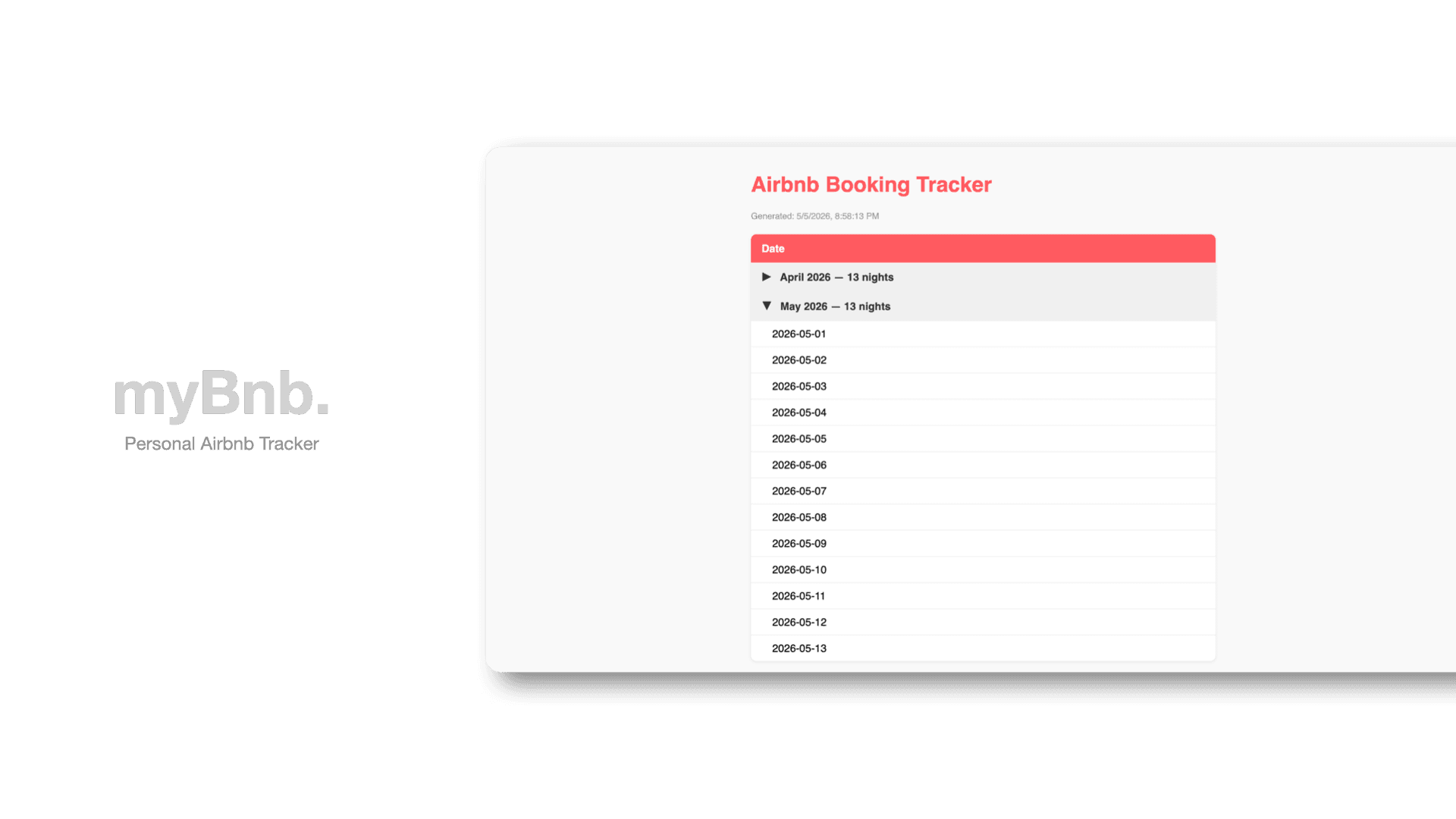
The app is built with Next.js 16 using the App Router and TypeScript, hosted on Vercel. For storage, I used Vercel Blob, a simple key-value blob store that lets me persist a JSON file between syncs without needing a database.
For scraping, I used Kernel, a cloud browser agent service that runs as a Vercel integration. A simple HTTP request scraper would not work here because Airbnb is a heavily dynamic, JavaScript-rendered website where the calendar content only appears after the page loads and user interactions are simulated. This is why Playwright is involved, handling the navigation to the listing, clicking to open the calendar, waiting for elements to render, and stepping through the months to collect occupied dates. Kernel then hosts and runs all of this in the cloud, meaning the entire scraping process happens without needing a dedicated server or local browser setup.
Process Automation With n8n
But not long after, I started exploring n8n, an open source node-based automation tool. Instead of scraping the Airbnb listing page like before, I discovered an internal Airbnb API endpoint called pdpAvailability that returns availability data directly as JSON, making the whole process much simpler and more reliable.
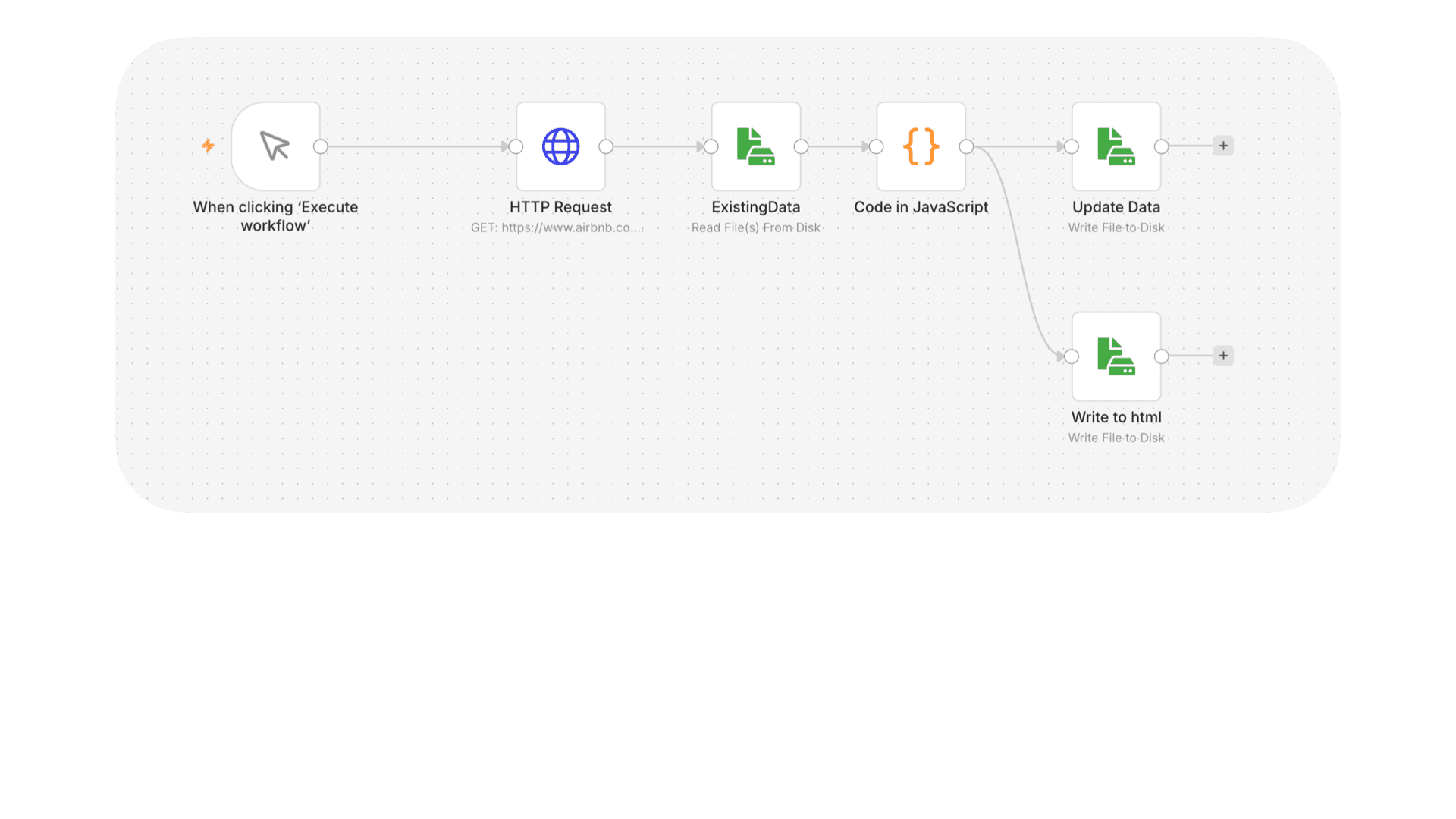
The workflow starts by firing an HTTP GET request to that endpoint to fetch the latest availability data. It then reads an existing local JSON file that holds all previously recorded dates. A JavaScript node then compares the two, identifying any new occupied dates that are not already in the records. From there the workflow splits into two outputs: it writes the updated dates back to the same JSON file to keep the records current, and simultaneously generates an HTML report file so I have something readable to view at a glance. This way, I dont have to host my application to run it.